# XStream Player
> **Advanced IPTV player for Kodi with PVR integration, multi-profile support, and intelligent content management.** A powerful addon for Xtream Codes and M3U playlist playback with organized categories, EPG support, and seamless Kodi integration.




---
## Table of Contents
- [Overview](#overview)
- [Installation](#installation)
- [Setup](#setup)
- [Content](#content)
- [Features](#features)
- [Auto-Updates](#auto-updates)
- [Requirements](#requirements)
- [License](#license)
---
## Overview
XStream Player is a feature-rich Kodi addon for streaming Live TV, Movies, and Series via Xtream Codes API or M3U playlists. Built for power users who demand organization, control, and seamless integration with Kodi's native PVR system.
---
## Installation
### Method 1: Install via File Manager
1. In Kodi, go to **Settings > File Manager**
2. Select **Add Source**
3. Enter the URL: `https://pesicp.github.io/XStream-Player-Kodi21/releases/`
4. Enter a name: `XStream`
5. Click **OK**
6. Go to **Settings > Add-ons > Install from ZIP file**
7. Select the `XStream` source you just added
8. Click on `plugin.video.xstream-player-*.*.*.zip` (latest version)
9. The addon will install and auto-update on future launches!
### Method 2: Direct ZIP Install
1. Download the latest `plugin.video.xstream-player-*.*.*.zip` from the [releases page](https://github.com/Pesicp/XStream-Player-Kodi21/releases)
2. In Kodi, go to **Settings > Add-ons > Install from ZIP file**
3. Select the downloaded ZIP
4. PVR IPTV Simple Client will be installed automatically
## Setup
1. Open **XStream Player** from your Video Add-ons
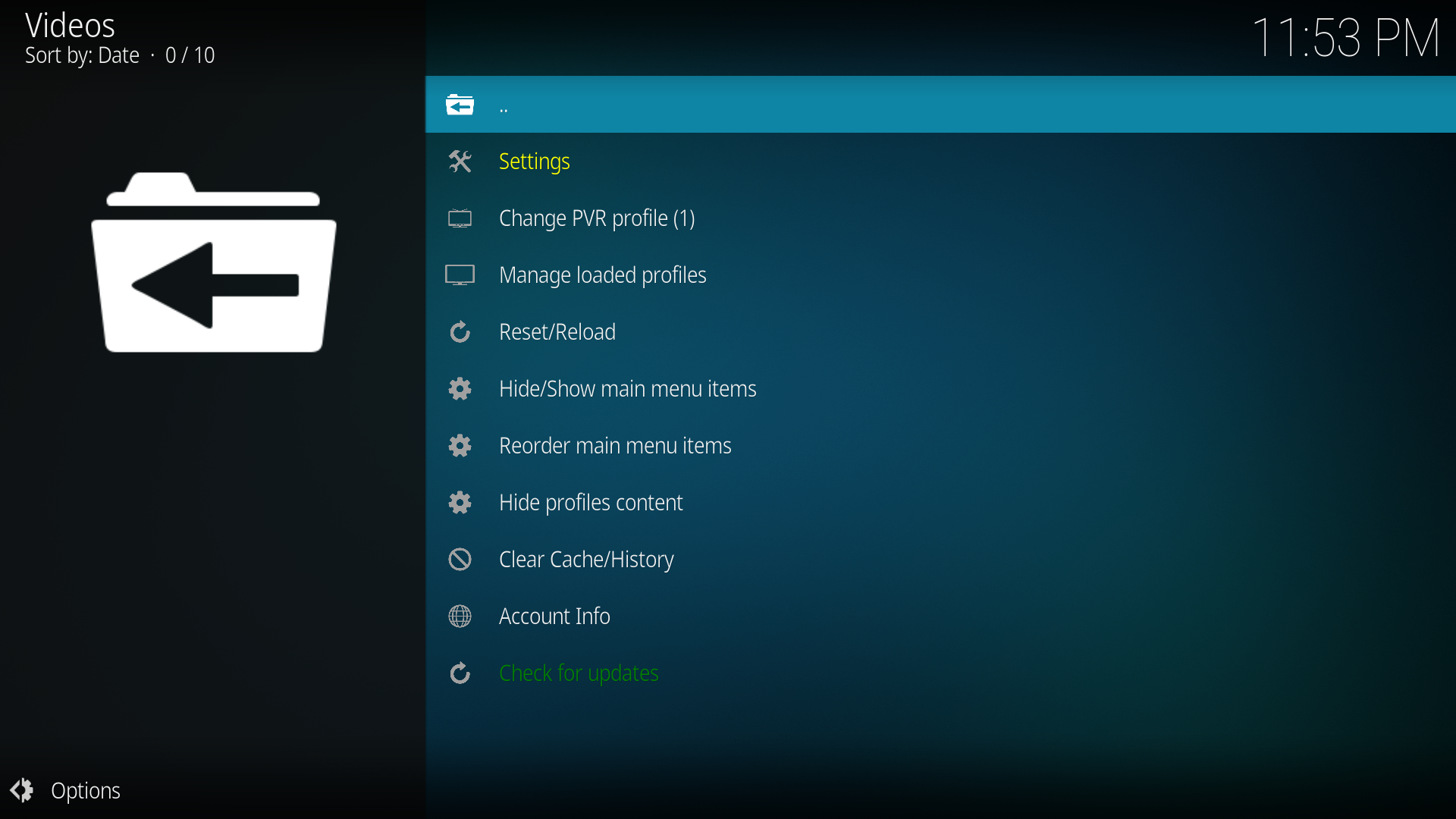
2. Go to **Tools > Settings**
3. Under **Profiles**, configure your source:
- **Xtream Codes**: Enter server URL, username, and password
- **M3U Playlist**: Enter M3U URL (with or without credentials)
4. After adding your creditentials dont forget to enable the profile, then you will be offered to laod profile and sync pvr
5. if you plan to use a list only for PVR you can unload it after PVR sync in Tools/Manage loaded profiles and PVR will work without the list
6. When prompted, restart Kodi for PVR Live TV to work properly
7. If not prompted go to Tools/Reset-reload and reload profile data
8. After restart, open XStream Player — your Live TV, Movies, and Series are ready
---
## Content
### 📺 Live TV Enhancements
| Feature | Description |
|---------|-------------|
| **Dual Live TV Modes** | Choose between native PVR integration or Classic in-addon browsing, both with EPG|
| **PVR Favorites Manager** | Create custom favorite groups that appear in Kodi's PVR channel panel |
| **Catchup/Replay in PVR** | Watch past programs directly from the PVR guide (provider support required) |
| **PVR Keyboard Shortcuts** | Left arrow opens channel list, Right arrow opens guide in fullscreen PVR |
| **EPG Auto-Detection** | Automatically fetch TV guide from your Xtream provider |
### 📄 M3U Playlist Support
| Feature | Description |
|---------|-------------|
| **M3U with Xtream Credentials** | M3U URLs containing username/password are auto-converted to Xtream format for full API access |
| **Pure M3U Mode** | Simple M3U playlists without credentials - direct channel list with Favorites and Search |
| **EPG for M3U** | Dedicated EPG URL field for M3U sources, separate from Xtream EPG |
| **Smart Source Detection** | Addon automatically detects credential presence and switches to appropriate mode |
### 👥 Multi-Profile System
| Feature | Description |
|---------|-------------|
| **10 Independent Profiles** | Each with separate credentials, favorites, and settings |
| **Per-Profile Source Type** | Each profile can use Xtream Codes OR M3U playlist (independent choice) |
| **Source-Specific EPG** | Separate EPG URL configuration for M3U vs Xtream per profile |
| **Per-Profile Data Loading** | Toggle Live TV, Movies, and Series per profile |
| **Per-Profile Caching** | Each profile has its own isolated data cache |
| **Per-Profile Content Hiding** | Hide/unhide categories and items per profile |
| **Quick Profile Switcher** | Switch profiles instantly from the Tools menu |
### ⭐ Favorites System
| Category | Feature |
|----------|---------|
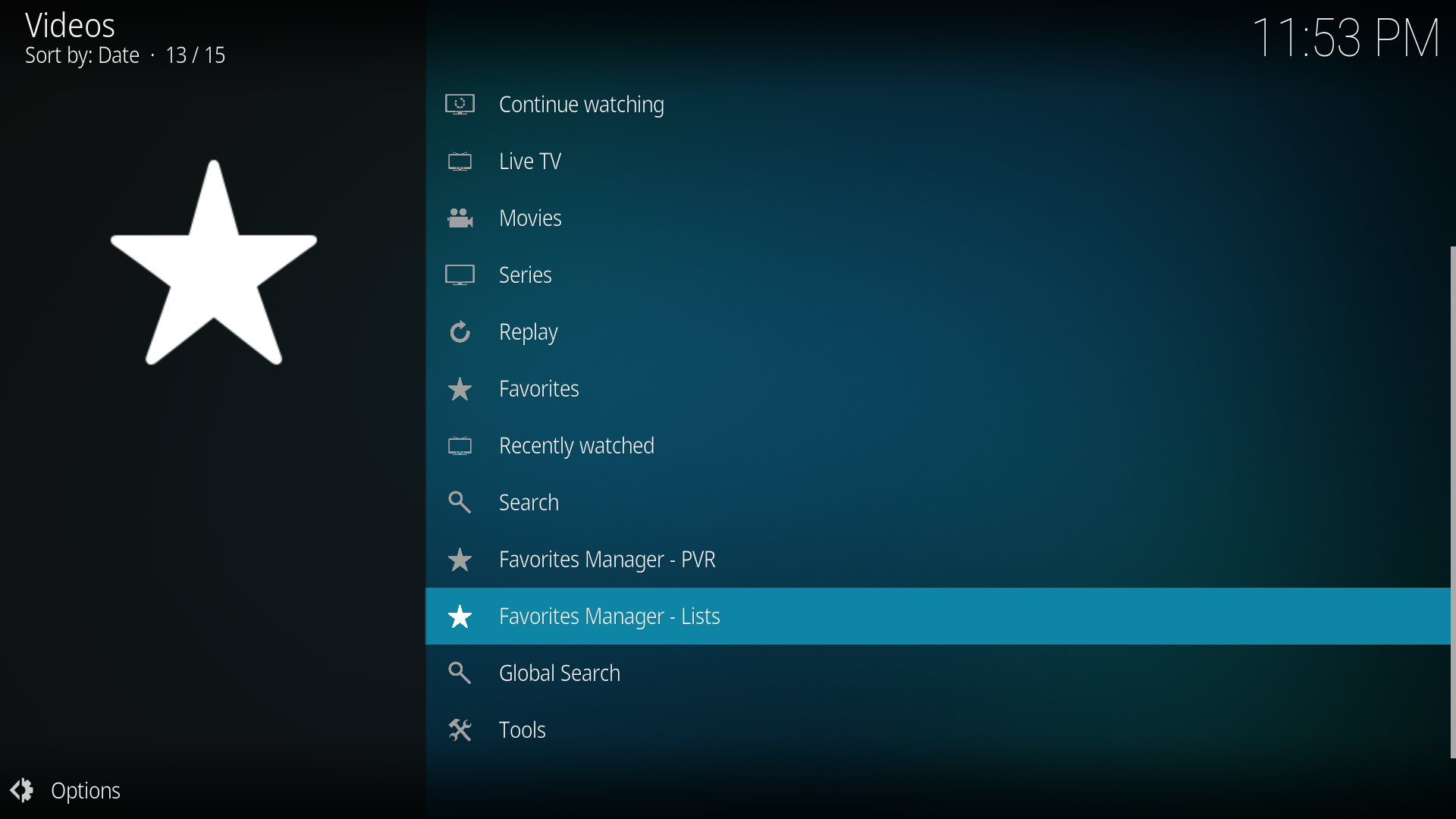
| **Favorites Manager - PVR** | Create groups that appear as "★ Favorites - GroupName" in PVR |
| **Favorites Manager IPTV** | Custom groups for Live TV, Movies, and Series |
| **Context Menu Integration** | Add items to favorites from anywhere in the addon |
| **M3U Export** | Export favorite groups to M3U playlists |
| **Multiselect Management** | Add/remove multiple items at once |
### 🔒 Parental Control & Filtering
| Feature | Description |
|---------|-------------|
| **PIN Protection** | Lock Settings, Tools, and adult content per type |
| **Adult Content Filtering** | Comprehensive keyword detection (works without PIN) |
| **Per-Type Locks** | Separate locks for Live TV, Movies, and Series |
| **Visual Indicators** | Lock icons on protected categories |
### 🛠️ Content Management
| Feature | Description |
|---------|-------------|
| **Hide/Unhide Categories** | Manage visibility for Live TV, Movies, and Series |
| **Hide Individual Items** | Hide specific channels, movies, or episodes |
| **Hidden Items View** | See all hidden items in one place for easy restoration |
| **Select All/Deselect All** | Bulk operations for hiding/unhiding |
| **Main Menu Customization** | Show/hide AND reorder any main menu item. Changes apply instantly |
### 📊 Playback & Performance
| Feature | Description |
|---------|-------------|
| **Built-in Buffer Settings** | Configurable size and read factor for stable playback |
| **Custom User-Agent** | Override for streams that require specific agents |
| **Stream Timeout** | Configurable timeout for unresponsive streams |
| **Auto-Refresh Data** | Automatic channel data refresh at set intervals |
| **Cache Management** | Clear cache, EPG, TMDB, or watch history selectively |
### 🎬 Metadata & Organization
| Feature | Description |
|---------|-------------|
| **TMDB Integration** | Fetch movie plots and posters (requires free API key). Separate toggles for plots vs posters |
| **Watch History** | Resume playback support across all content types |
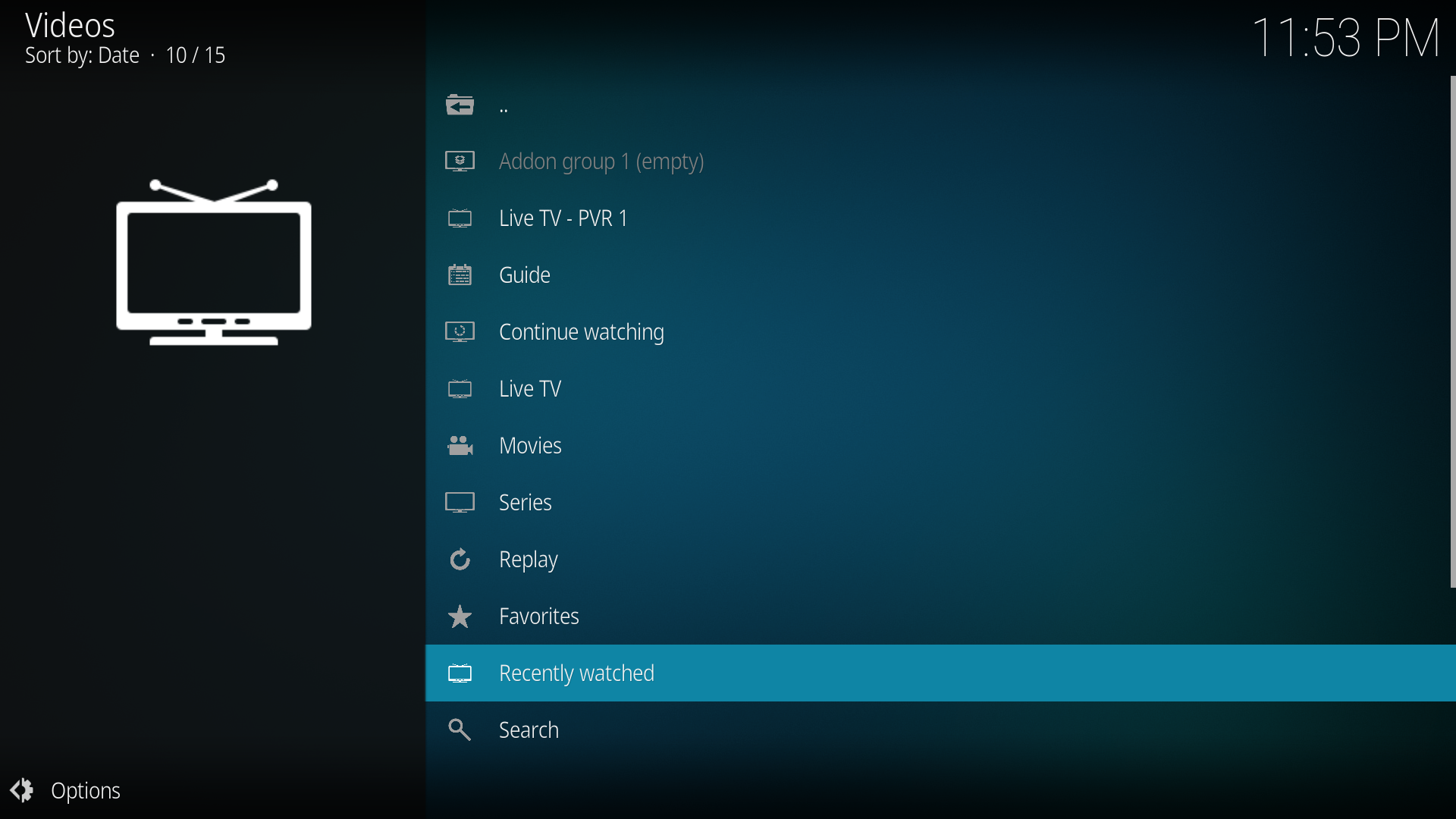
| **Recently Watched** | Quick access folders in Movies, Series, and Live TV sections |
| **Continue Watching** | Resume unfinished episodes directly from Series menu |
| **Watched Status** | Track viewed episodes and movies. Per-profile storage with easy clear options |
| **Provider Metadata** | Disable for movies and series separatly, for users that want faster experience |
### 📦 Addon Groups
| Feature | Description |
|---------|-------------|
| **Custom Addon Groups** | Create up to 5 groups of your favorite Kodi addons |
| **Group 1 Enabled by Default** | Ready to use out of the box |
| **Smart Group Behavior** | Single addon opens directly; multiple addons show list |
| **Empty Group Indicator** | Gray text shows when group is empty with settings link |
| **All Add-on Tyoes** | Not limited to video or music addons, you can add every kodi addon |
### 🔄 Auto-Update System
| Feature | Description |
|---------|-------------|
| **Built-in Updater** | Check for updates on startup or schedule |
| **One-Click Install** | Download and install updates automatically |
| **Version Revert** | Downgrade to previous versions if needed |
| **Update Notifications** | Prompt on startup when updates available |
| **Auto Check Interval** | Choose from - On addon start, daily, weekly, monthly, never |
---
---
## Features
- **Addon Groups** Create up to 5 groups of your favorite Kodi addons
- **Movies** with plot info and poster art
- **Series** with season/episode tracking and watched status
- **Replay / Catchup** for channels with archive support
- **Global Search** across Live TV, Movies, and Series in all configured profiles
- **Per-profile caching** — each profile has its own data cache
- **PVR keyboard shortcuts** — Left - channel list, Right - guide, only in fullscreen PVR
- **Continue watching** — Combines 10 movies and 10 series across profiles
### Favorites Manager - PVR
Create custom PVR favorite groups. Each group appears as a channel group in Kodi's PVR left panel via a dedicated second PVR instance.
- Create groups and populate them by browsing categories or searching channels
- Add entire categories or pick individual channels via multiselect
- Manage existing channels in each group (add/remove via multiselect)
- Groups appear in PVR as "★ Favorites - GroupName"
- After adding group and populating its contetent, you must restart kodi so the group is visible
### Favorites Manager - Profiles - Live TV, Movies, Series
Create custom favorites groups. Each group can hold a mix of live channels, movies, and series from all 10 profiles. Items are organized by type inside each group. Live TV, Movies, Series
- Right-click any item anywhere in any Profile 1-10 (Live TV, Movies, Series) to add it to a custom group
- Rename, export, or delete groups from the Favorites Manager
- Groups appear in context menus across the all 10 Profiles
### Per-Profile Data Separation
Each of the 10 profiles has completely independent:
- Favorites (Classic, Movies, Series groups)
- PVR Favorites groups
- Hidden categories and individual items
- Visible main menu items
- Data loading toggles (Live TV, Movies, Series)
### Data Loading
Each profile can enable/disable loading of Live TV, Movies, and Series data. When a category is disabled:
- Its data is not fetched from the server during refresh
- Its menu items are hidden from the main menu
- Guide and Replay are also hidden when Live TV is disabled
- Already-favorited items remain accessible from custom groups
### Manage Content (Hide/Unhide)
Each profile has **Manage content** buttons in Settings > Profiles.
- Browse categories and hide entire categories or individual items
- Hidden items are excluded from PVR sync and all listings — they are not loaded at all
- "Hidden Items" at the top shows all individually hidden items for easy unhiding
---
## Requirements
- Kodi 21 (Omega) or later
- PVR IPTV Simple Client (installed automatically)
---
## License
https://github.com/Pesicp/XStream-Player-Kodi21/blob/main/LICENCE